
File Manager & Fast Cleaner1.220510 - Google Play
You'll be able to see results in few seconds.
Publisher Description

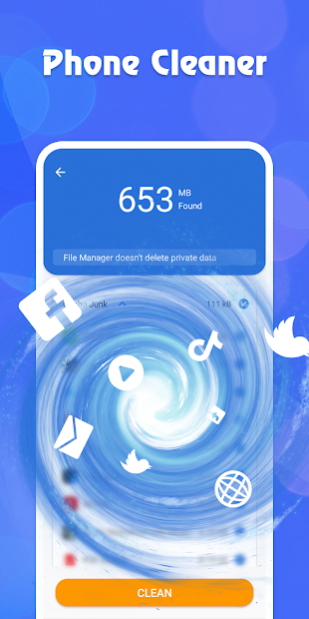

File Manager & Fast Cleaner is a free mobile phone cleaning management tool designed specifically for Android.
It supports tons of cool features: quick search, moving, deleting, opening, and sharing files, as well as renaming, unzipping, and copy-paste.
File Manager & Fast Cleaner with features: clean junk files and Speed Booster, Data Manager, Junk Cleaner for android, CPU cooler & Battery Saver.
It has a simple interface, powerful functions, smooth and simple operation.
Make your phone smoother and more powerful.
You will get the following feature highlights through File Manager & Fast Cleaner:
Highlight performance:
★
Super Trash Cleanup
Lightning scanning engine, one-click cleanup of excess garbage on mobile phones
★
Intelligent space management
batch management of duplicate pictures, videos and audio files, intelligent identification of idle software, leaving more space for the phone
★
CPU Cooling
Cool down quickly, bid farewell to the heat of the phone!
★
Solve mobile phone stuck slowly
Clean up useless processes, reduce memory usage, clear freezes, and improve mobile phone operating speed with one-click
★
Notification Bar Cleanup
Automatically block useless spam, and say goodbye to annoying advertisements
★
Apps and large file manager
It’s a super tool can easily manage your apps and large files!
File Manager & Fast Cleaner will optimize product and technical details, and provide better performance by cleaning function.
Install File Manager & Fast Cleaner now and you can enjoy a faster phone with just 1-tap!
About File Manager & Fast Cleaner
The company that develops File Manager & Fast Cleaner is BANANA Studio. The latest version released by its developer is 1.220510.
To install File Manager & Fast Cleaner on your Android device, just click the green Continue To App button above to start the installation process. The app is listed on our website since 2022-05-10 and was downloaded 0 times. We have already checked if the download link is safe, however for your own protection we recommend that you scan the downloaded app with your antivirus. Your antivirus may detect the File Manager & Fast Cleaner as malware as malware if the download link to com.filemanager.booster.fast.cleaner is broken.
How to install File Manager & Fast Cleaner on your Android device:
- Click on the Continue To App button on our website. This will redirect you to Google Play.
- Once the File Manager & Fast Cleaner is shown in the Google Play listing of your Android device, you can start its download and installation. Tap on the Install button located below the search bar and to the right of the app icon.
- A pop-up window with the permissions required by File Manager & Fast Cleaner will be shown. Click on Accept to continue the process.
- File Manager & Fast Cleaner will be downloaded onto your device, displaying a progress. Once the download completes, the installation will start and you'll get a notification after the installation is finished.
Program Details
System requirements
Download information
Pricing
Version History
version 1.220510
posted on 2022-05-10
Disclaimer
Official Google Play Link
We do not host File Manager & Fast Cleaner on our servers. We did not scan it for viruses, adware, spyware or other type of malware. This app is hosted by Google and passed their terms and conditions to be listed there. We recommend caution when installing it.
The Google Play link for File Manager & Fast Cleaner is provided to you by apps112.com without any warranties, representations or guarantees of any kind, so access it at your own risk.
If you have questions regarding this particular app contact the publisher directly. For questions about the functionalities of apps112.com contact us.
